Updates Galore!!! v2.3.3

To our loving userbase:

Welcome to version 2.3.3! Why not 2.3? Don’t worry about it! We’ve got a great list of features we’re ready to share with you!

Android:

  • Location switcher

    • A fan favorite feature that used to only be on the iOS version. Gives you the ability to simulate being in a different location. Going on vacation? Type in a new address or city and see what will be nearby!

iOS:

  • Long press for beer flag to make it even easier for authenticated users to report a beer

Both:

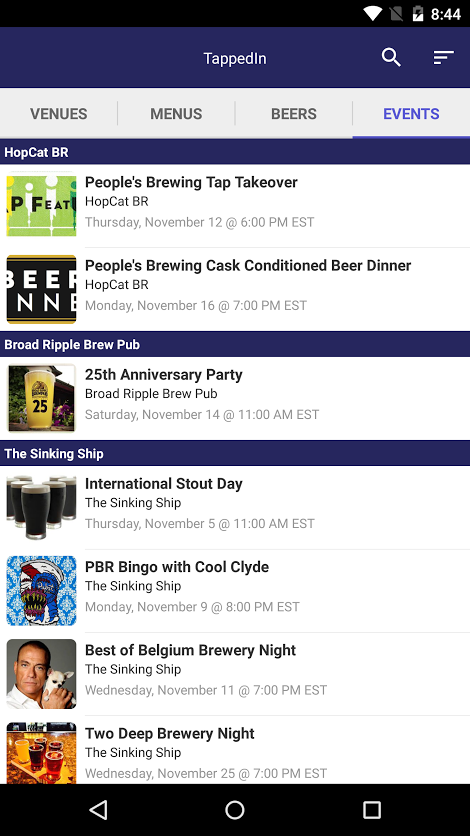
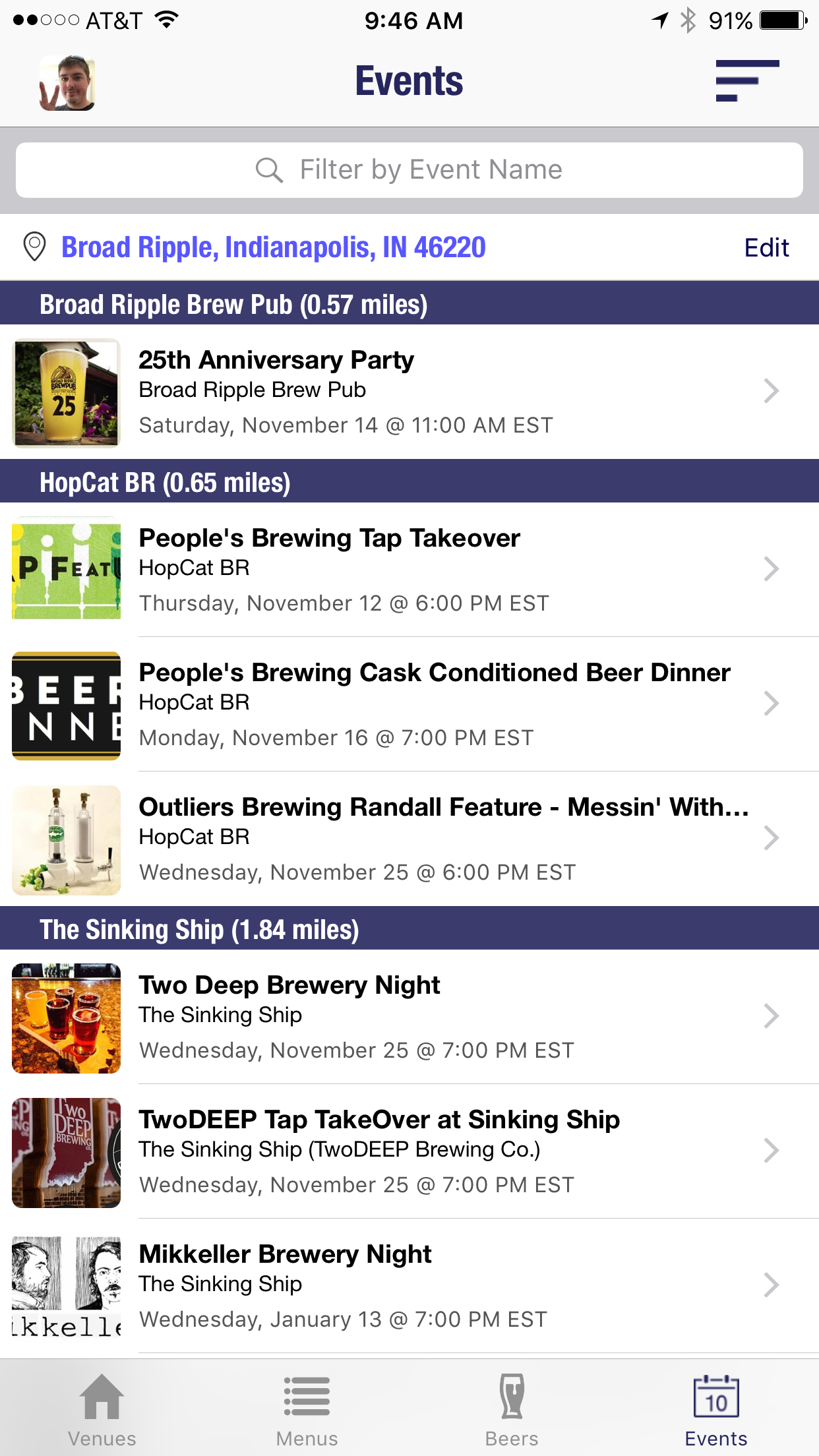
  • Events
    • Open to detail page instead of directly to Facebook
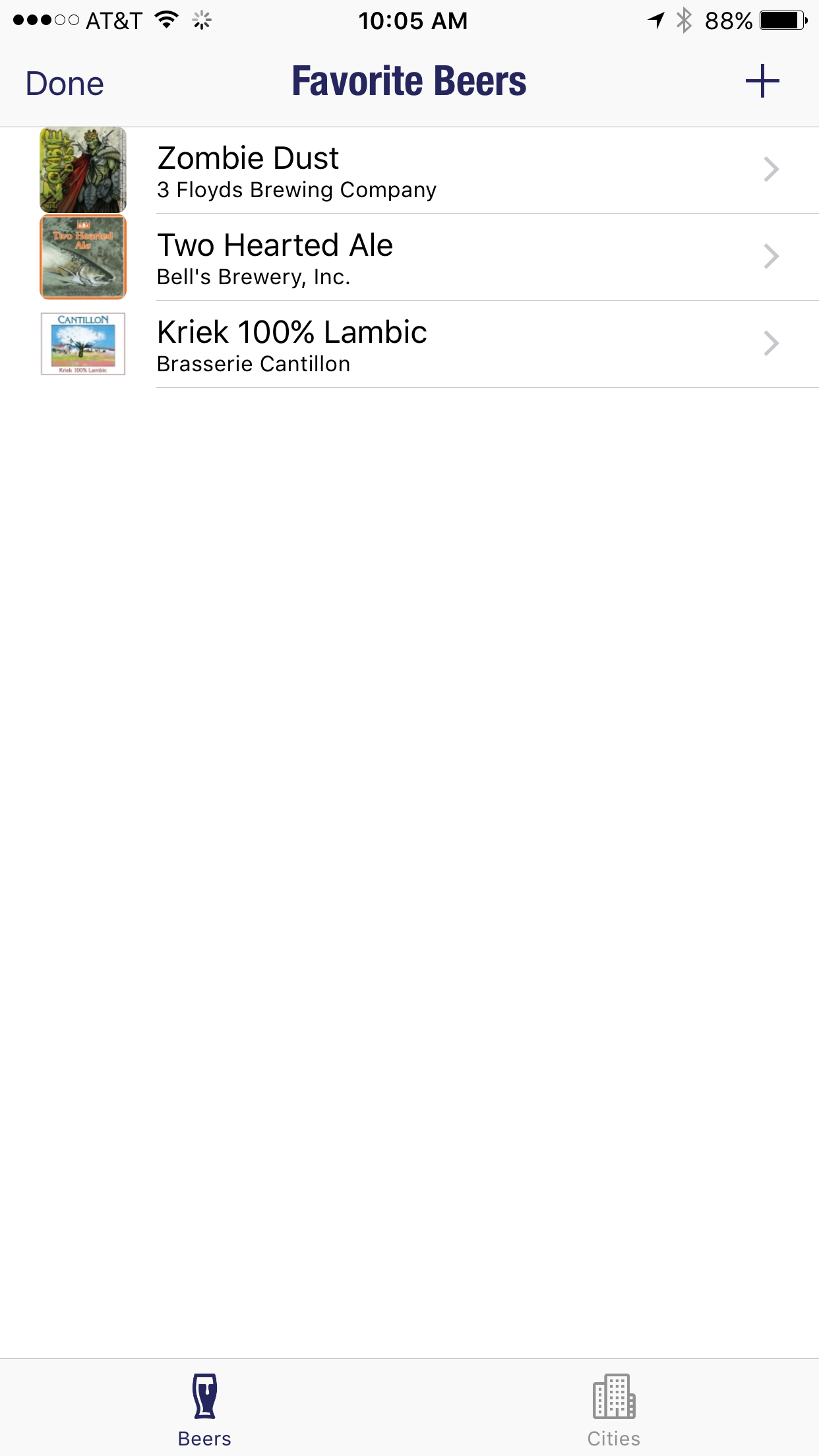
  • Revamped beer favorites (formerly beer subscription)
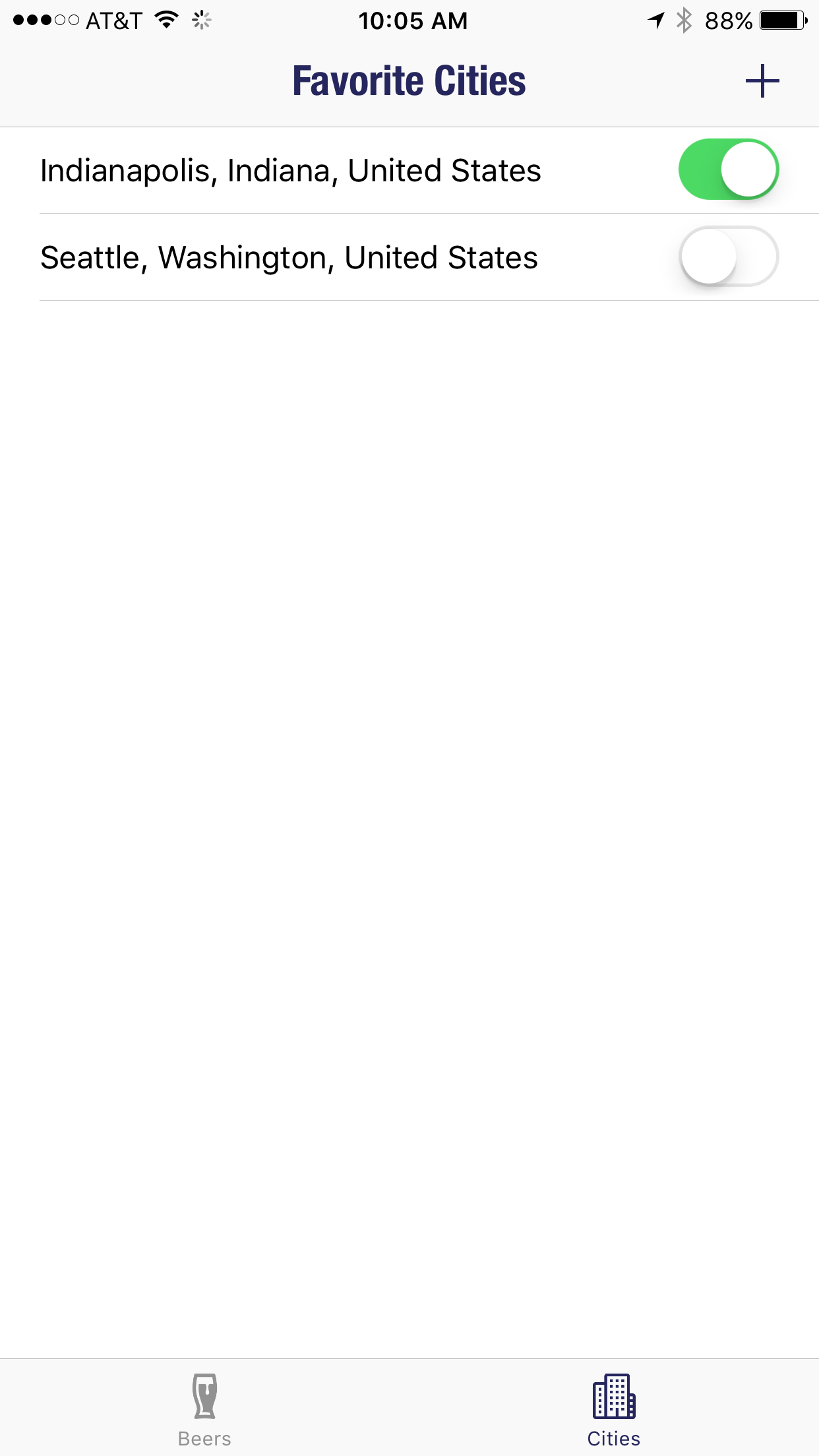
    • Ability to favorite certain cities and receive notifications when available. Enable/disable cities to get notifications for the areas you’re interested in at that point in time.

IMG_6597 IMG_6598

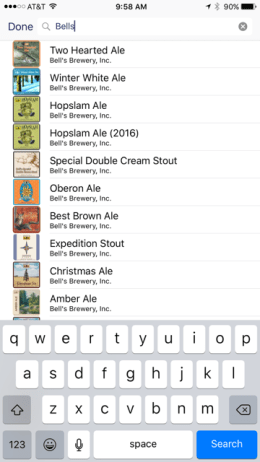
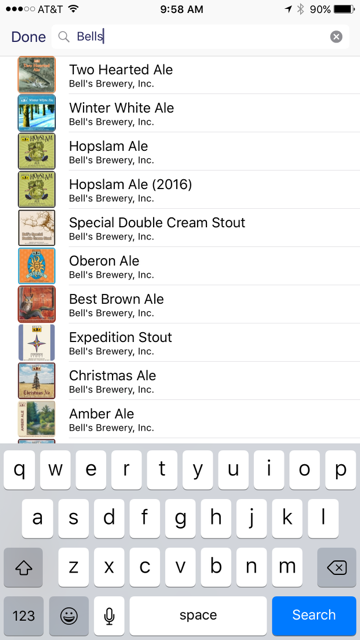
  • Streamlined beer add process — new icon on beer list make it easier to add a beerIMG_6592
  • Favorited beers show in beer tab
    • Option to disable in settings
  • Report a venue
    • Something not right with a venue? home/residence, closed, etc. Let us know!

We hope you enjoy! As always, feel free to drop us a line @ hi@tappedin.beer or @TappedInApp on Twitter.


Updates Galore!!! v2.3.3

TappedIn Update!

Welcome to the latest version of TappedIn!

Also welcome to our newest Android users! Happy to have you on board!

We’ve got some awesome new features to share with you!

Features:

Events Tab – The events tab pulls Facebook events from venues near you. This is still a work in progress, but we’re already seeing some great data here! Sort by venue and date.

droidevents
Android Events
iOS Events
iOS Events

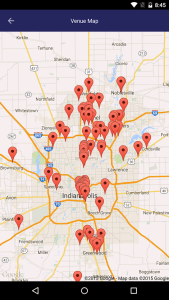
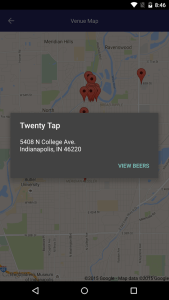
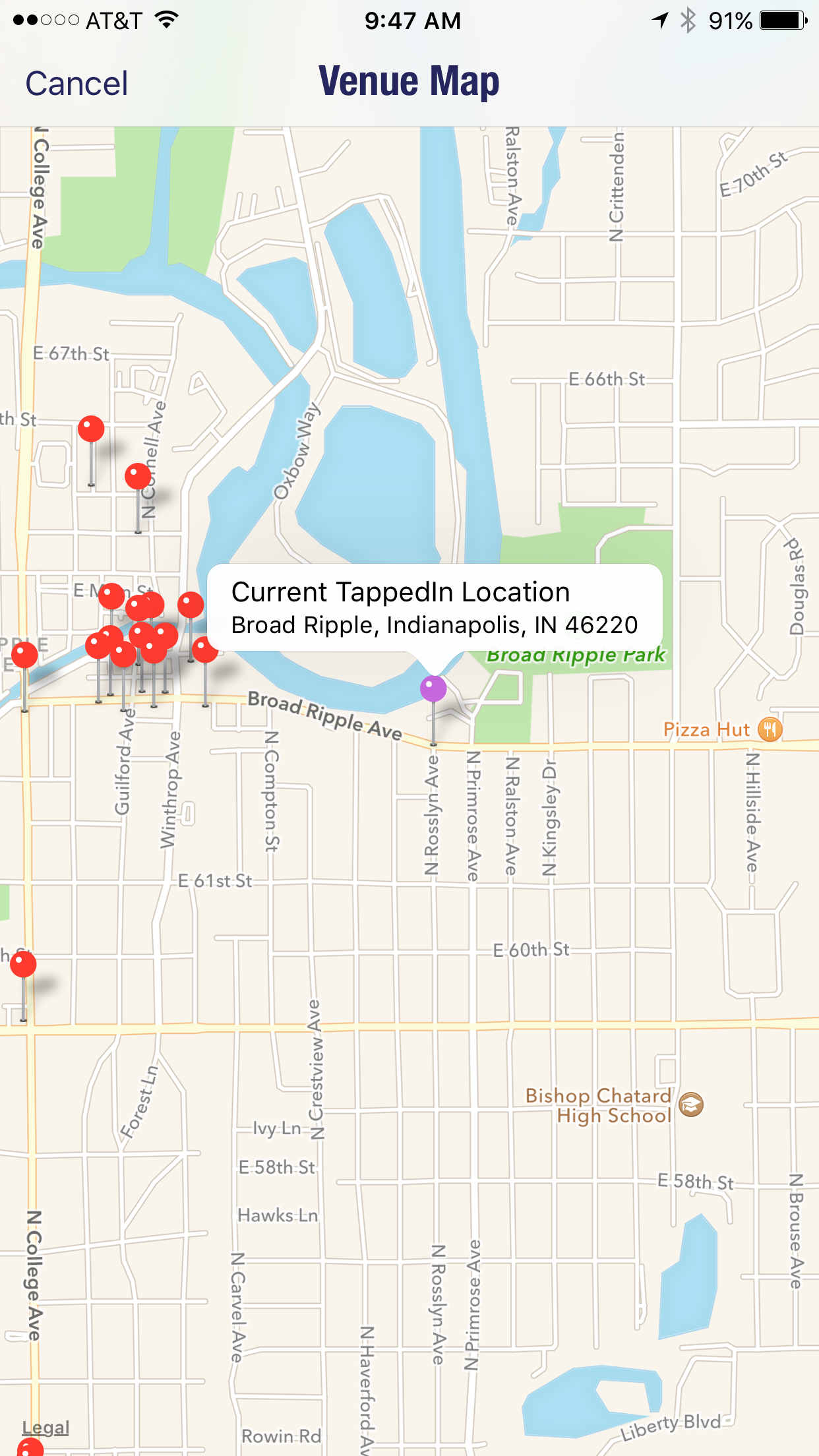
Venue Map – From the venues tab, click the map button up at the top. That will take your TappedIn location and gives you an idea where other venues are located around you. Tip: To see things farther out, increase your radius in settings!

droidMap
Android Map
droidMapClick
Android Map Drill-in
iOS Map Drill-in
iOS Map Drill-in
iOS Map
iOS Map

Location Emulation (iOS) – This is probably our favorite feature that we’ve added. The ability to change where your location is! Traveling to a new city for the first time? Type in the address of where you’re going and see what will be around you! Android coming soon!

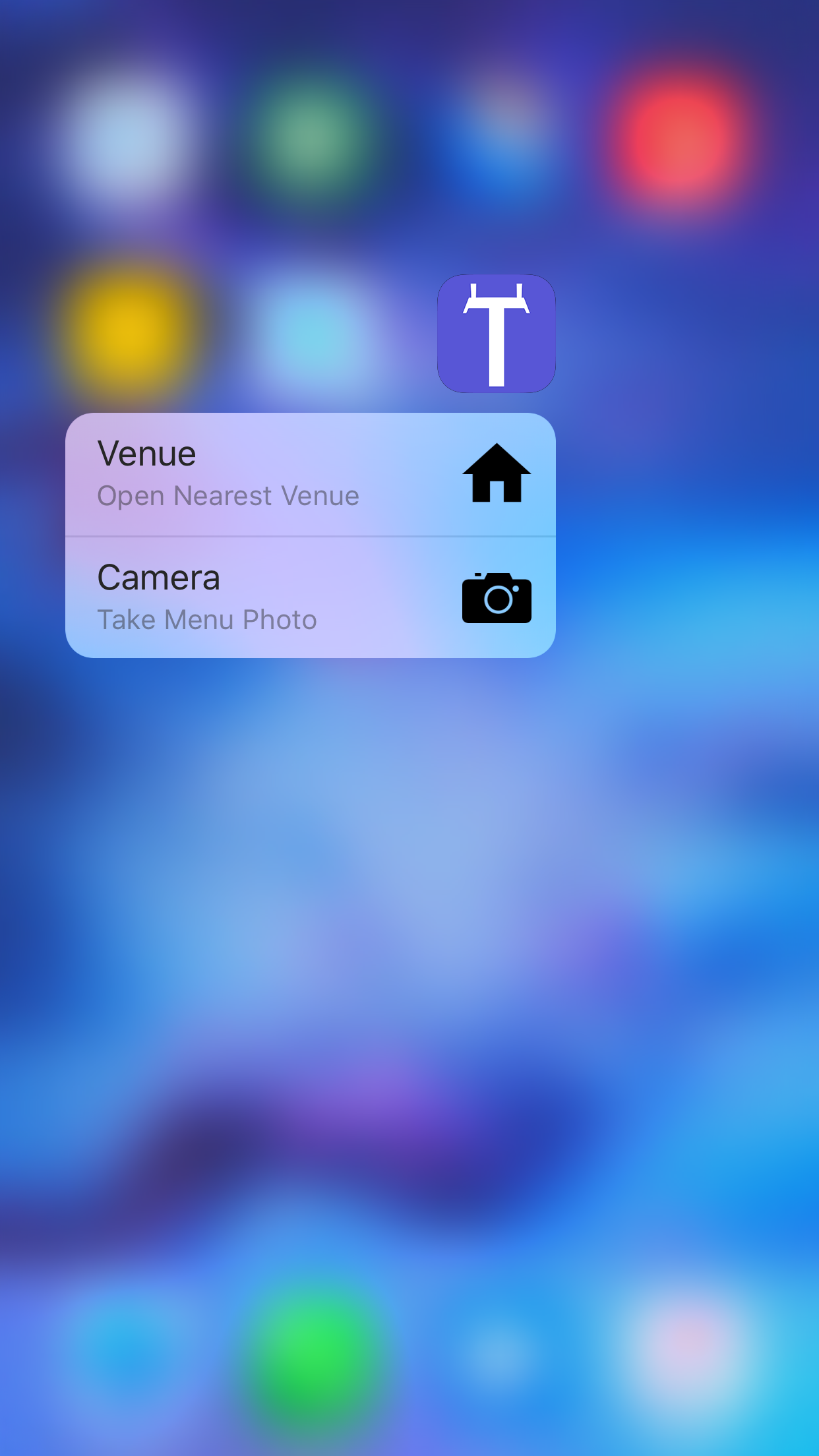
3D Touch Shortcuts (iOS, iPhone 6s, 6s+) – This option gives the ability to use the quick action menu from the homescreen, opening right into the nearest venue, or taking a menu photo for that venue!

3D Touch Quick Actions

Thanks again for your continued support! Drop us a line if you have any feedback!

hi@tappedin.beer
@TappedInApp on Twitter

Image

Welcome to TappedIn 2.1!

Welcome to TappedIn 2.1!

Thanks for your continued support! We are currently supporting ~ 900 venues across the US! Keep those venue requests coming!

New Features

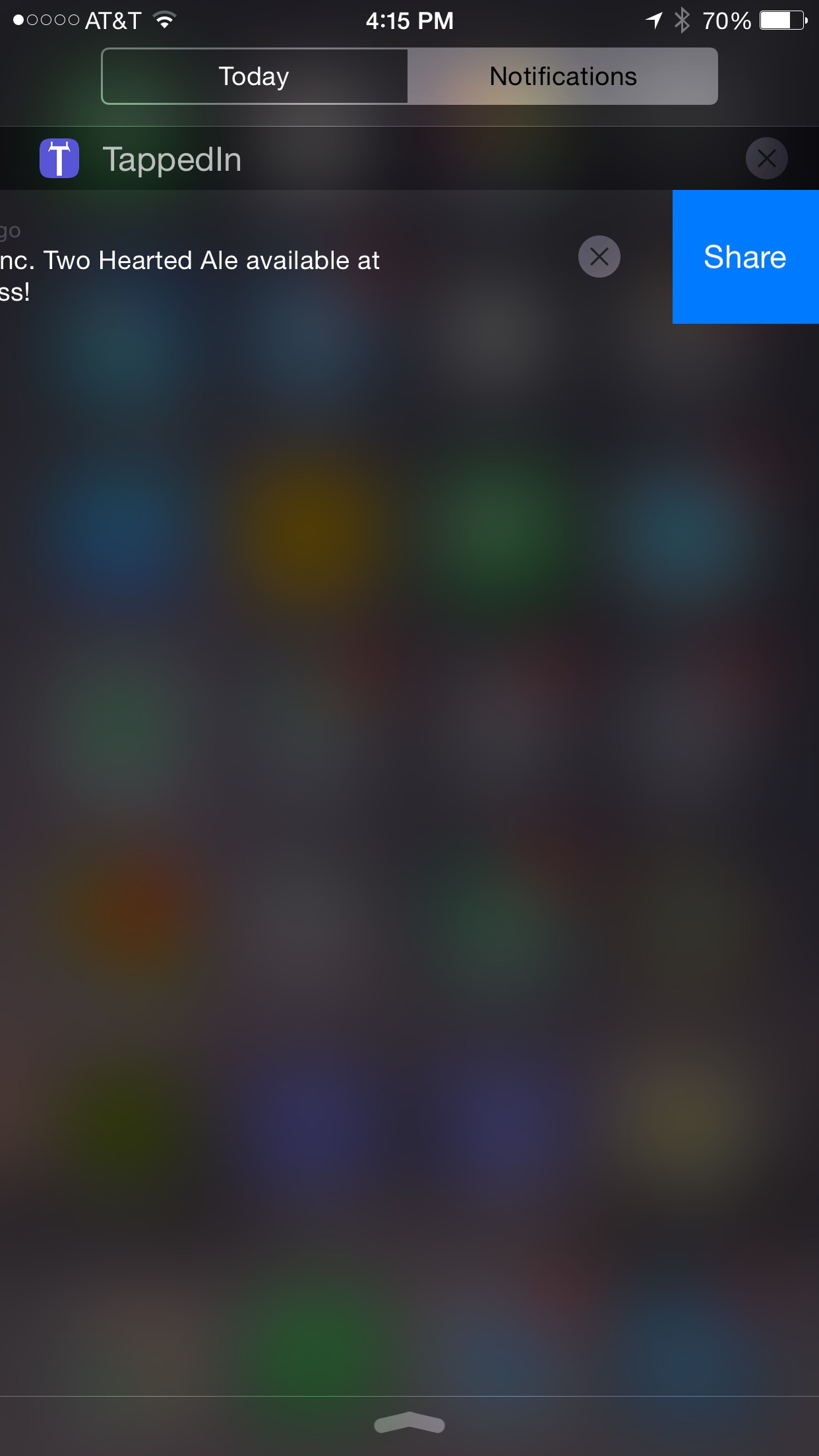
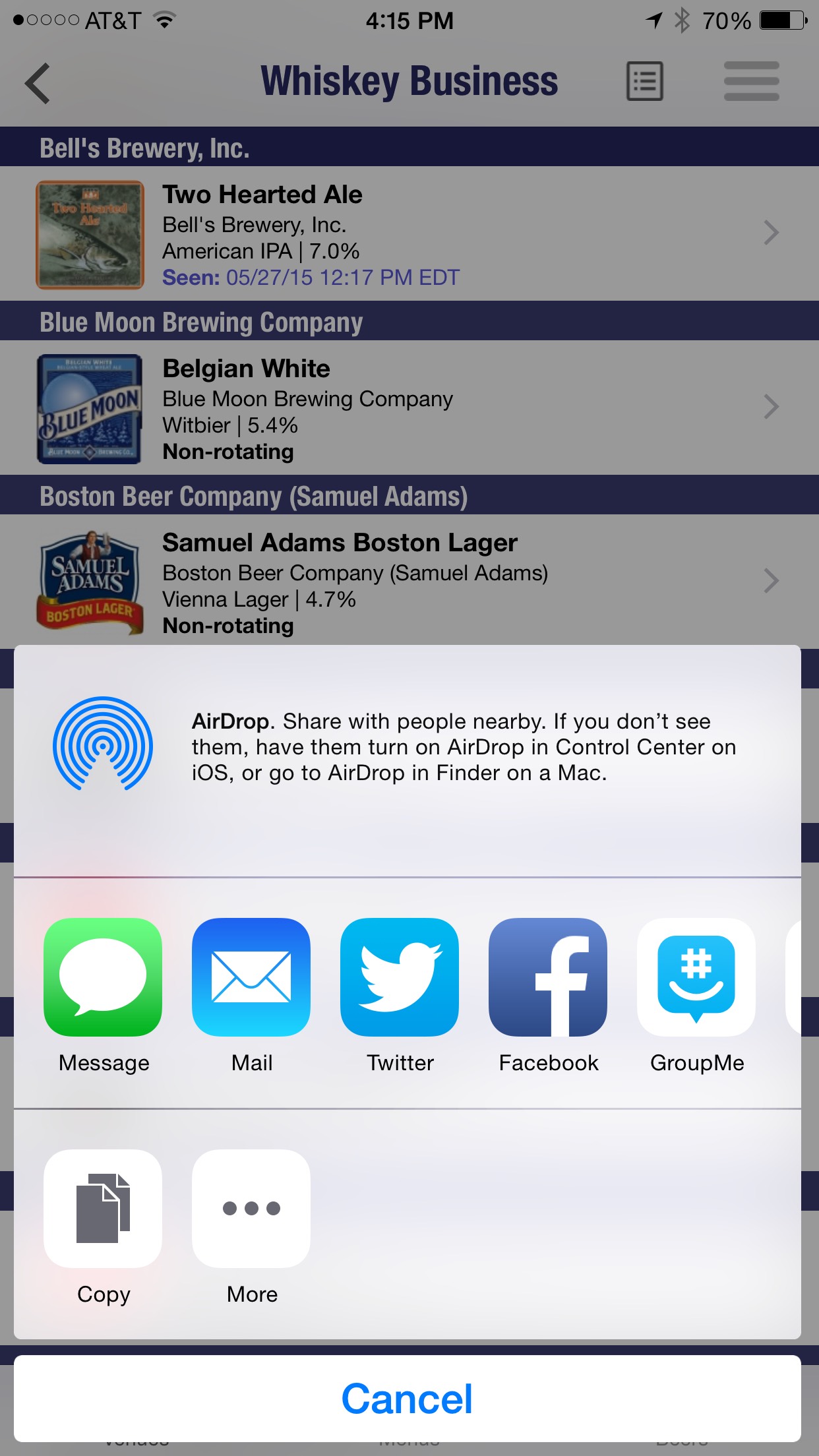
  • Share Button – Swipe on a notification to reveal a share button. Send out a tweet to let people know a beer is on tap! This feature is available when you select a beer as well.
share
Share via Notification
share
Share via Beer Card
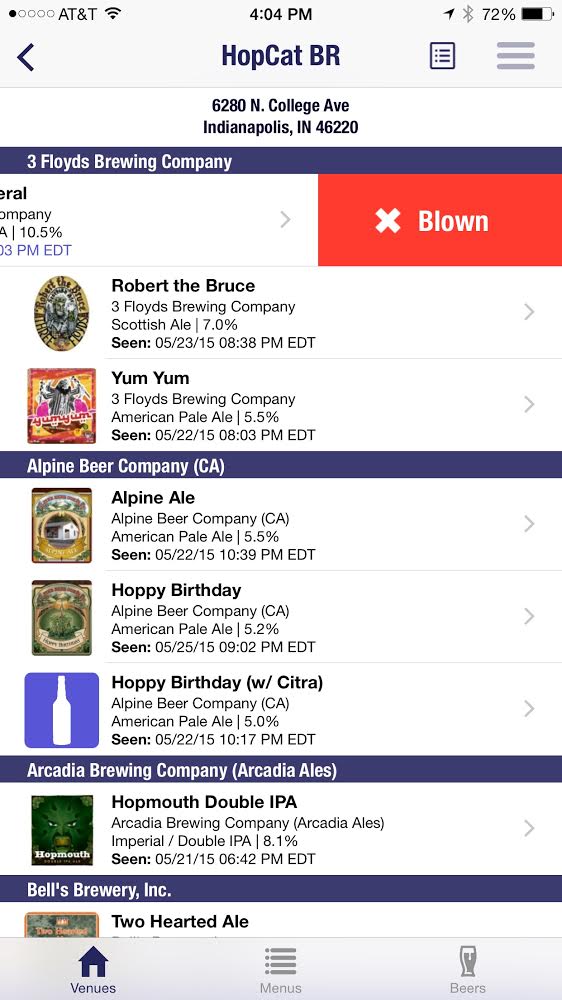
  • Swipe for Seen/Blown – Instead of clicking on a beer and marking as seen or blown, we’ve streamlined the process and now allow you to swipe right to mark as seen or swipe left to mark as blown.
Swipe for Blown
Swipe left for Blown
Swipe for Seen
Swipe right for Seen
  • Leaderboards – We’ve started a leaderboard to display the most active users on the app. We will continue to flesh this out.
Leaderboard
Leaderboard
  • Recently Seen Beers – Beers that have been seen within the last 24 hours are now marked in purple.
  • Enhanced Beer Flags – Instead of having to type in a message every time you flag a beer, we now have some canned responses available to mark why you’re flagging the beer
Enhanced Flagging
Enhanced Flag Options
Welcome to TappedIn 2.1!

TappedIn 2.0 Now Available!

Thanks to everyone who has used TappedIn since our launch 3 months ago! We’ve had lots of great feedback and have been working hard to make the experience even better.

TappedIn is an app that builds beer menus based on Untappd check-ins. In addition, users can manually add a beer to a venue in real time. Different sort options can be applied to a menu such as Style, ABV, Date/Time of Check-in, or Brewery Location. Authenticated users can also subscribe to a beer and get a notification when it goes on tap/gets checked in within their radius. We encourage users to take a quick snapshot of the beer menu and post it to help round out the full experience!

Note: Please keep your venue requests coming. You can now submit a request directly from the app and we are currently sitting at 550+ venues across the US! Generally we get to the venue requests right away and sometimes will have them added within minutes! The venue list has been curated to ensure we only have venues that truly care about the beer they are serving!

Again, thanks to everyone using the app. It’s been a fun ride so far! Keep your feedback coming!
– Andrew (andrew_herrick) & Devin (devkitt)
appstore

New Features

Tabbed View

Version 1.0 allowed you to view a list of beer-centric venues within a defined radius and drill in to see what was on tap, but we felt like that was only one side of it. We’re happy to announce that version 2.0 features a tabbed view which will also allow the ability to view nearby beers and drill in to see where it is currently on tap. It is also easier to see which venues most recent menus posted.

tappedin tabs

Improved Notifications

Subscription notifications have been optimized and will be sent out much quicker. With 2.0, notifications are sent out the instant the check-in is picked up by our system.

Flag a Beer

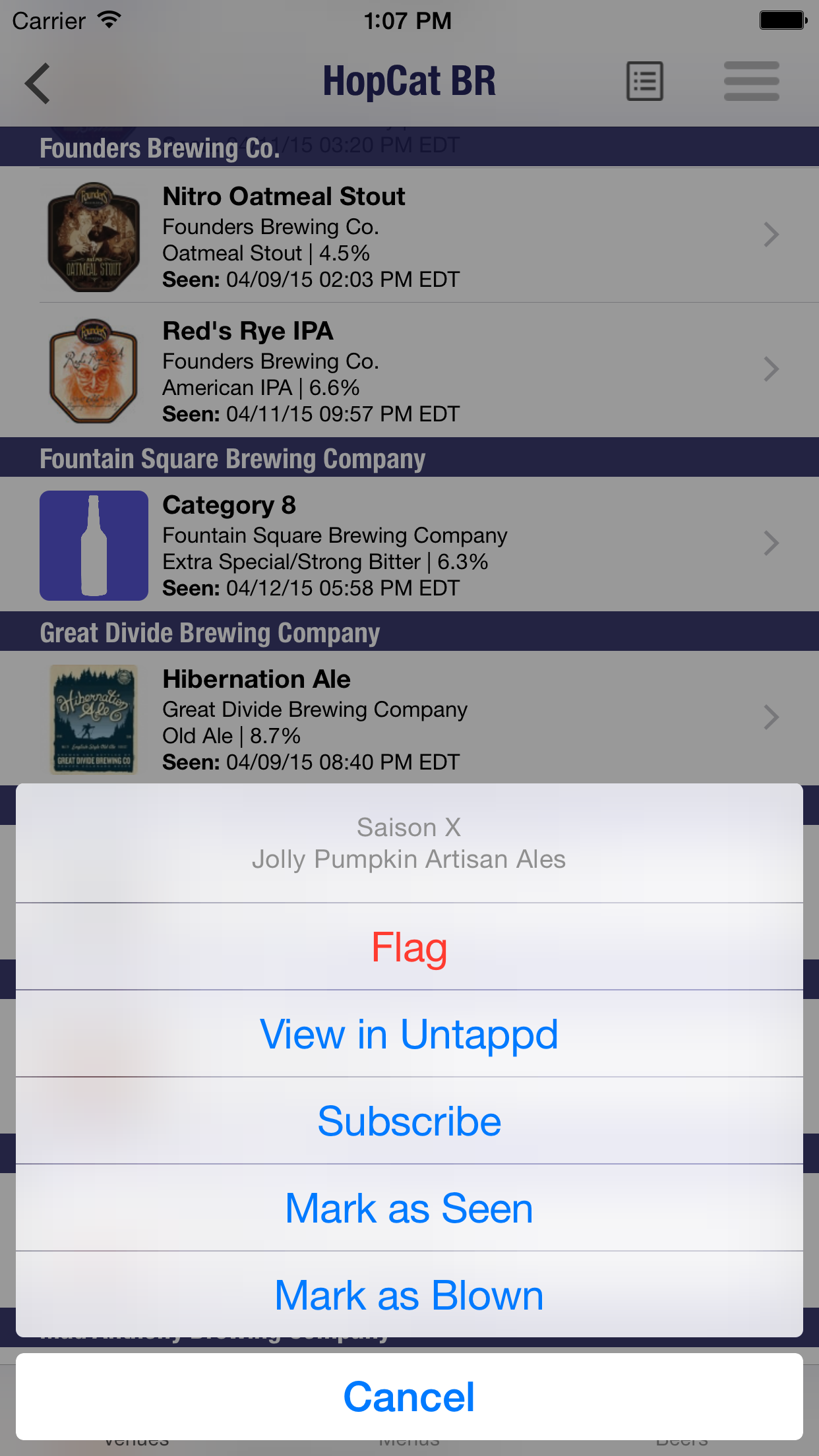
Sometimes a beer is checked in to the wrong location on Untappd. Maybe it’s a brewery that doesn’t have guest taps, yet a beer from a different brewery is on the list. Unfortunately, this can lead to our system picking it up and adding it to a menu. For this, we have implemented a flag system which will allow users to flag that particular brew, which will get sent to us for review. However, if it’s just a beer that isn’t on tap anymore, users can continue to Mark as Blown.
Note: You must be authenticated with your Untappd in order to preform these actions!

flag beer menu option

flag beer tell us why

Swipe for Menu Post/View Recent Menus

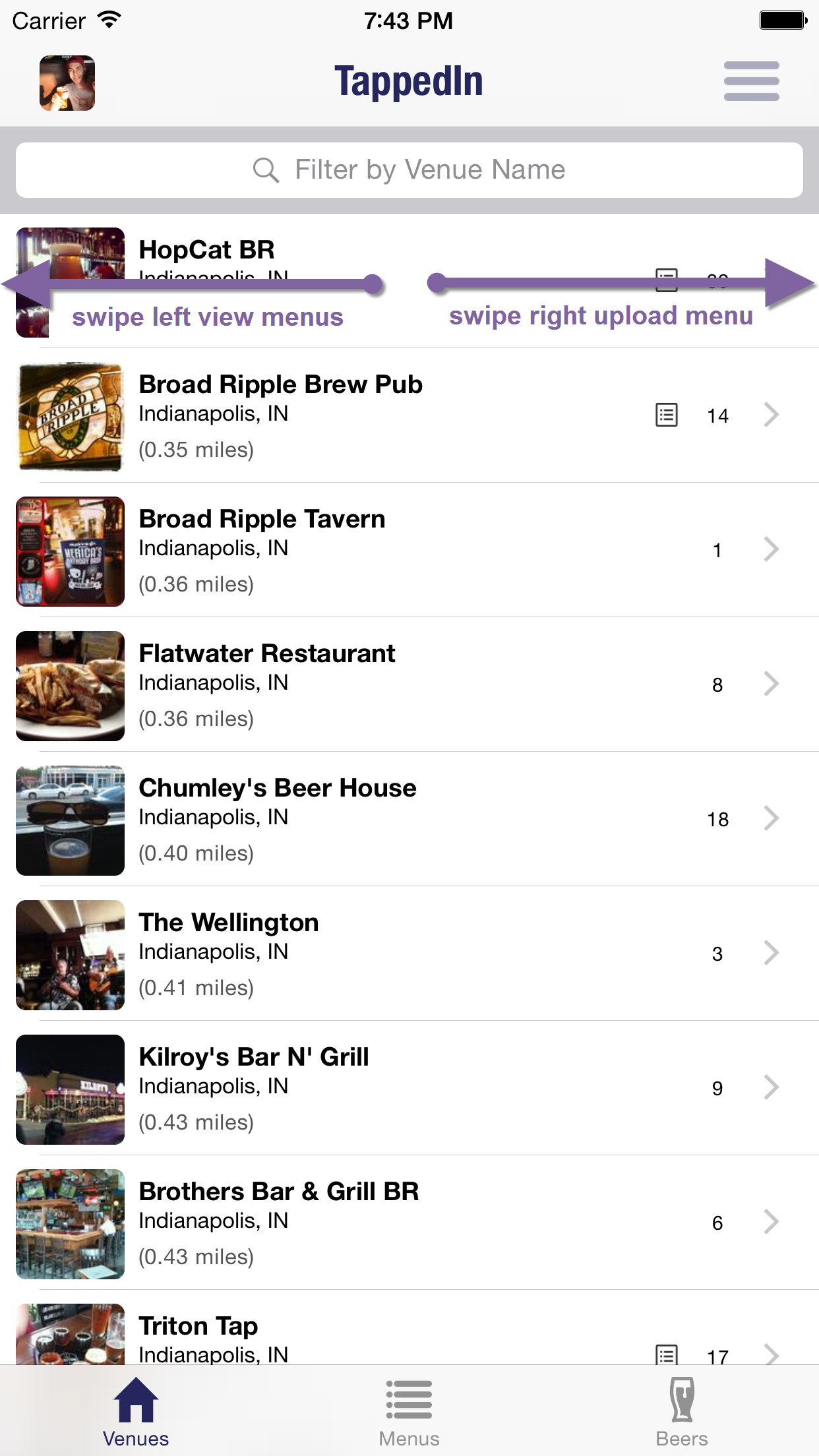
From the venue screen, if a menu icon is visible, users can swipe left on the venue to view the user-posted photos of current menus. If you are at that venue and want to post a menu, swipe right to instantly bring up the camera and take a picture. All of this is possible from the menus tab as well.

swipe left or right

Add Beer

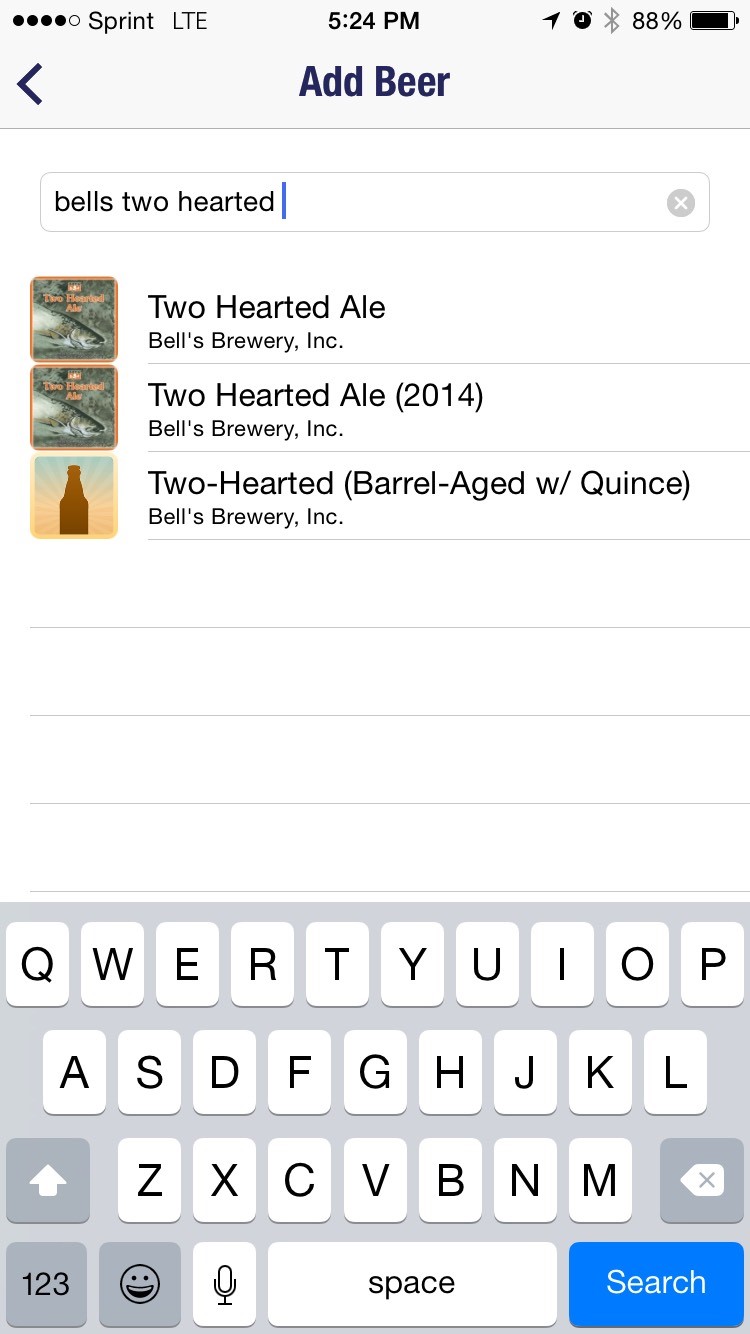
When viewing beers for a venue you might notice a beer missing. Now you have the ability to add a beer in real time! Tap Settings menu followed by Add Beer option. Type the missing beer and tap search!
Note: You must be authenticated with your Untappd in order to perform these actions!

Add Beer to Venue
TappedIn 2.0 Now Available!